
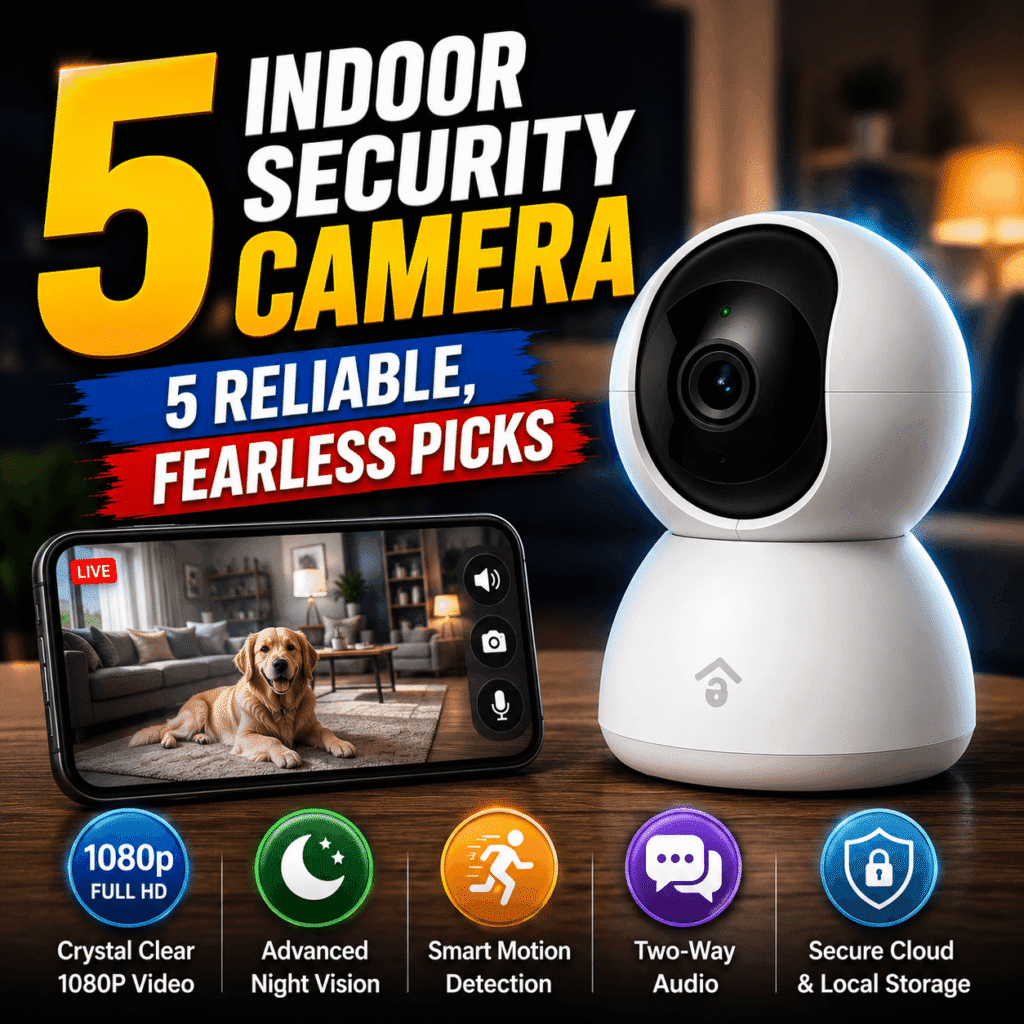
An indoor security camera is the most affordable way to keep watch over an office when no one is there, and increasingly when everyone is. A single Wi-Fi indoor security camera streams live video to your phone, records who comes and goes, and sends an alert the moment it detects motion after hours, turning an empty workspace into one you can check from anywhere. For small businesses protecting equipment, managers overseeing multiple rooms, and owners who simply want peace of mind, a good camera pays for itself the first time it answers the question of what happened while the door was locked.
The catch is that the market is crowded with cameras that look identical on a shelf yet differ enormously in resolution, storage, smart detection, and, crucially for a workplace, data security. A bargain camera that floods you with false alerts or locks essential features behind a subscription can cost more in frustration than it saved at purchase. Choosing well means understanding which specifications matter for an office and which are marketing noise.
This article reviews five proven Wi-Fi cameras suited to office use, explains the features that genuinely matter, and shows how to place and secure them for reliable coverage. A comparison table, a setup reference, and clear guidance on who each model suits make the decision simple. Whether you run a one-room studio or a multi-desk suite, the right indoor security camera keeps your workplace monitored, your data protected, and your mind at ease.
1. Why Every Office Needs an Indoor Security Camera
An office holds valuable equipment, sensitive documents, and the daily comings and goings of staff and visitors, all of which benefit from a quiet, reliable witness. An indoor security camera provides exactly that, deterring theft, settling disputes, and giving owners visibility into a space they cannot always occupy. Modern Wi-Fi models go far beyond grainy recordings, adding instant alerts, two-way audio, and intelligent detection that distinguishes a person from a passing shadow. Understanding the real benefits, and what wireless connectivity adds to them, clarifies why even the smallest workplace gains from a well-chosen indoor security camera.
1.1 Protecting Assets, People, and Peace of Mind
The most obvious benefit is deterrence and evidence. A visible camera discourages opportunistic theft of laptops, tools, or petty cash, and when an incident does occur, clear footage is invaluable for insurance claims and police reports. Beyond theft, cameras help resolve everyday questions, from confirming a delivery arrived to reviewing an accident that triggered a liability concern. For a business owner, that record removes guesswork and replaces it with facts, which is often the difference between a quick resolution and a costly dispute that drags on without evidence.
Just as valuable is the peace of mind that comes from remote visibility. Checking a live feed from home on a weekend, or receiving an alert that motion was detected at two in the morning, transforms anxiety into control. Owners who travel or run several locations can glance in on each one from a single app, confirming doors are locked and equipment is undisturbed. This constant, low-effort awareness is what turns a camera from a reactive recording device into a proactive tool that genuinely reduces stress around protecting a workplace.
1.2 What Wi-Fi Connectivity Adds and Its Trade-offs
Wi-Fi is what makes a modern indoor security camera so convenient. Without running cables to a recorder, a wireless camera connects to the existing office network and streams straight to a phone or computer, so setup often takes minutes rather than a professional installation. Connectivity unlocks remote viewing, instant push notifications, cloud backup, and software updates that add features over time. For most small offices, this plug-and-play simplicity is the single biggest reason wireless cameras have replaced bulky wired systems for everyday monitoring.
The trade-offs are worth understanding before you commit. A camera is only as reliable as the Wi-Fi it depends on, so a weak signal or a router outage can interrupt monitoring at the worst moment, which is why a strong network or a mesh extender matters. Wireless streaming also consumes bandwidth and, on battery models, power. Most importantly, a connected camera is a device on your network that must be secured properly. These considerations do not outweigh the convenience, but they shape where you place the camera and how you protect it.
2. What to Look for in an Indoor Security Camera
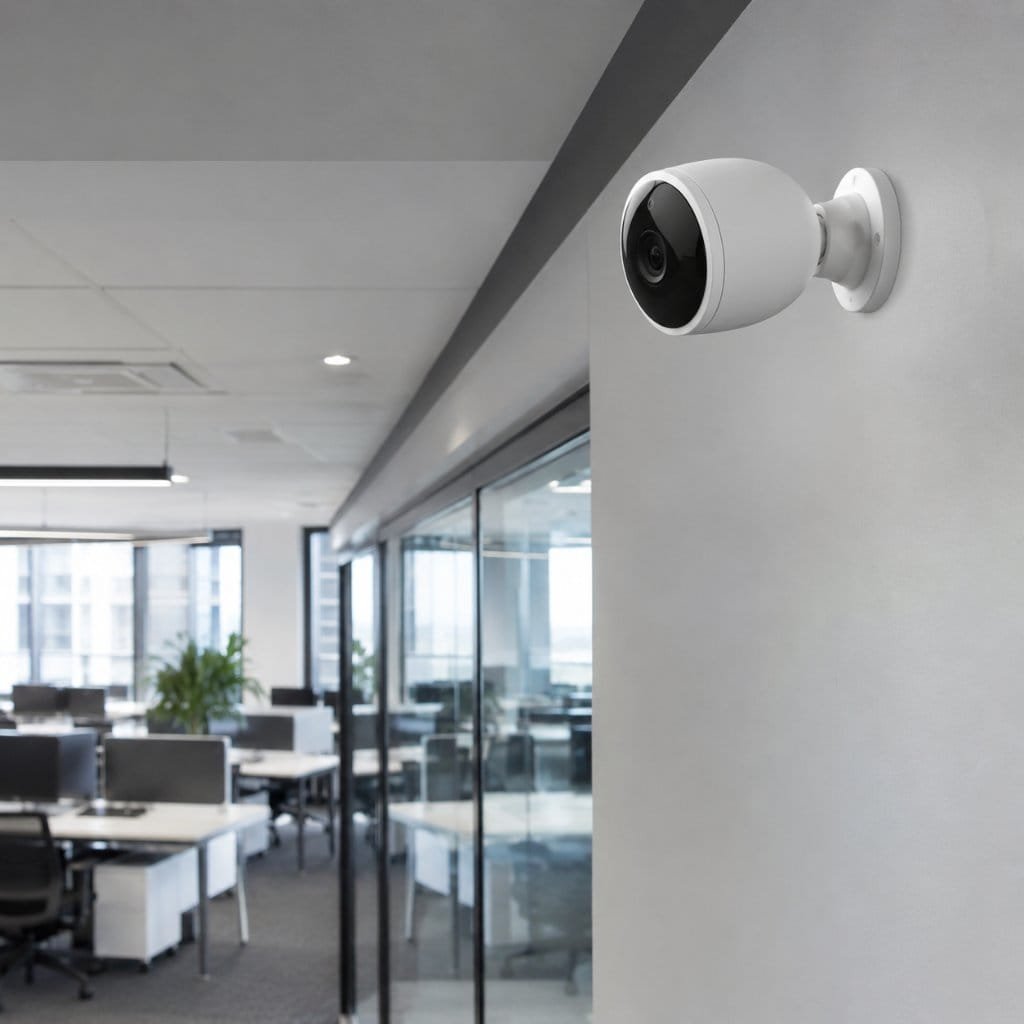
The right indoor security camera for an office depends on a handful of specifications that determine how useful the footage actually is. Video quality and field of view decide whether you can identify a face or read a label; night vision governs after-hours usefulness; and storage and subscription models shape both ongoing cost and how long you keep footage. For a workplace, data security deserves equal weight. Weighing these factors against the size of your space and your tolerance for monthly fees prevents both overspending and the disappointment of a camera that misses the detail you needed.
2.1 Video Quality, Night Vision, and Field of View
Resolution is the headline number, and for an office it genuinely matters. A 1080p camera is the practical minimum, while 2K and higher capture enough detail to identify faces, read documents on a desk, or make out a license plate through a window. Higher resolution also lets you digitally zoom into a recording without it dissolving into blur. That said, sharper video consumes more storage and bandwidth, so the goal is enough clarity to recognize what matters in your space, balanced against the cost of keeping that footage.
Night vision and field of view complete the coverage picture. Most incidents in an empty office happen in the dark, so reliable infrared or color night vision is essential rather than optional, and color modes that use a faint light reveal details infrared cannot. Field of view determines how much a single camera sees, with wide-angle lenses covering an open-plan room and pan-and-tilt models physically sweeping to follow movement. Matching the lens to the room avoids blind spots, since a narrow view leaves corners unwatched while an overly wide one can distort distant detail.
2.2 Storage, Subscriptions, and Data Security
How a camera stores footage shapes both cost and privacy. Local storage on a microSD card or a base station records without a monthly fee and keeps video on site, which appeals to offices wary of the cloud. Cloud storage, by contrast, protects footage even if a thief takes the camera, but usually requires a subscription for anything beyond a few hours of history. Many of the best cameras offer both, and weighing how long you need to retain recordings against the recurring cost is central to choosing the right model.
Data security is the factor offices overlook at their peril. A camera watching your workplace is a window into it, so encryption, two-factor authentication, and a manufacturer with a solid track record on firmware updates are non-negotiable. Guidance from agencies such as the U.S. Federal Trade Commission stresses strong unique passwords and prompt updates for any connected device. For sensitive environments, cameras that store footage locally reduce exposure, while any cloud system should use end-to-end or bank-level encryption to keep recordings private.
3. The Best Indoor Security Cameras for the Office Reviewed
As an Amazon Associate, BeIN ADVISOR earns from qualifying purchases.
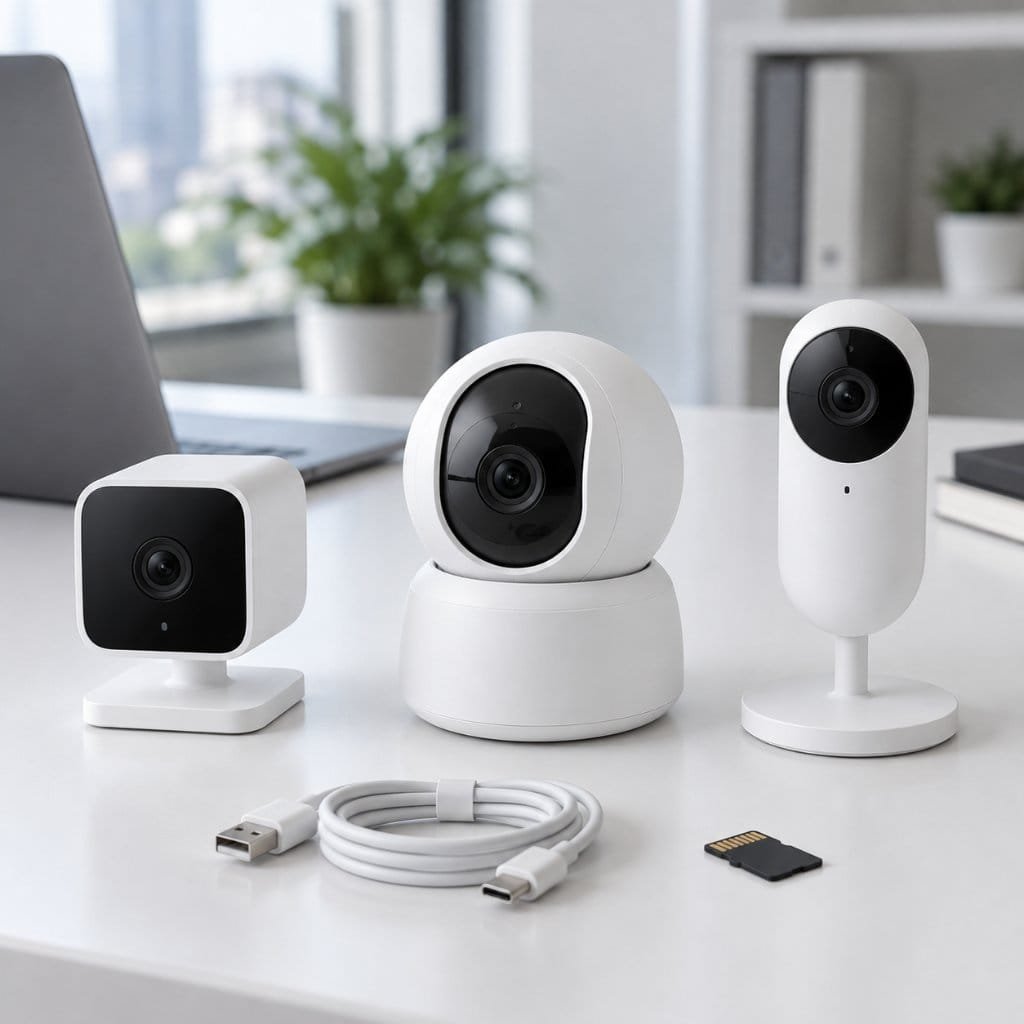
The five cameras below were chosen to cover the range of office needs, from tight budgets and local-only storage to premium smart features and strong privacy controls. Each entry explains where the model fits in the market, details how it performs and what it offers, and describes who it suits best along with the trade-offs to weigh. Prices and subscription terms shift over time and by region, so the focus stays on resolution, storage, smart features, and security. Read each summary against the size of your office and your stance on subscriptions to find the closest match.
3.1 Google Nest Cam
The Google Nest Cam sits at the premium, intelligence-first end of the indoor security camera market, aimed at offices that value smart alerts and tight integration over the lowest price. It is built to feel polished and to work seamlessly within the Google Home ecosystem, appealing to those who already use Google or Nest devices. Google positions it as the camera that thinks before it bothers you, reducing the false alerts that plague cheaper models. For a workplace that wants meaningful notifications rather than constant noise, it is a natural premium choice.
Its standout feature is on-device intelligence that distinguishes people, animals, and vehicles directly on the camera, so alerts are relevant and a degree of detection keeps working even if the internet drops. The wired indoor model delivers crisp 1080p HDR video with strong low-light handling, two-way audio, and a few hours of event history at no cost, with longer cloud history available through a Nest Aware subscription. Setup through the Google Home app is straightforward, and the camera ties neatly into routines alongside other smart devices in the office.
This camera is best for offices invested in the Google ecosystem that prioritize accurate smart detection and a refined app experience. The trade-offs are price and the fact that the most useful long-term recording features sit behind a subscription, which adds to the running cost. Businesses wanting free local storage will look elsewhere. For its target buyer, though, the blend of reliable on-device intelligence, clean video, and effortless integration makes the Nest Cam one of the most capable and low-hassle options for monitoring a workplace.

3.2 Wyze Cam v4
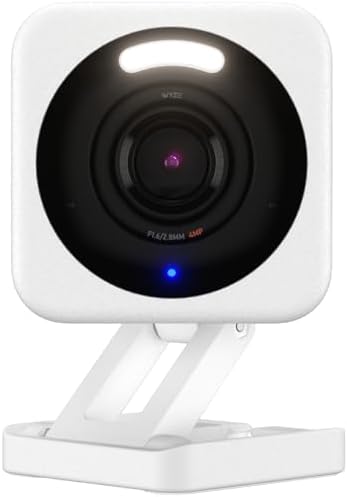
The Wyze Cam v4 is the value champion of the indoor security camera world, delivering a feature set that embarrasses its tiny price. It occupies the budget corner of the market without feeling like a compromise, which is exactly why it has become a default recommendation for cost-conscious buyers. Wyze built its reputation on packing premium features into inexpensive hardware, and this model continues that pattern. For an office equipping several rooms on a tight budget, it makes blanket coverage genuinely affordable rather than a luxury.
Despite the low cost, it offers sharp 2.5K resolution, impressive color night vision that shows scenes in detail rather than grainy gray, two-way audio, and a wide field of view. Footage records to a local microSD card with no subscription required, while an optional Cam Plus plan adds smarter detection and cloud features for those who want them. The companion app is simple, alerts are quick, and the small form factor sits unobtrusively on a shelf or desk, making it easy to deploy across a workspace.
This camera is best for budget-minded offices and anyone equipping multiple rooms without a large outlay. The trade-offs are that the most advanced detection requires the paid plan, and a value brand will not match the premium build or ecosystem polish of pricier rivals. Businesses needing guaranteed enterprise support may hesitate. For sheer value, though, the Wyze Cam v4 delivers resolution, night vision, and local recording that cost far more elsewhere, making it the smartest entry point into office monitoring available today.
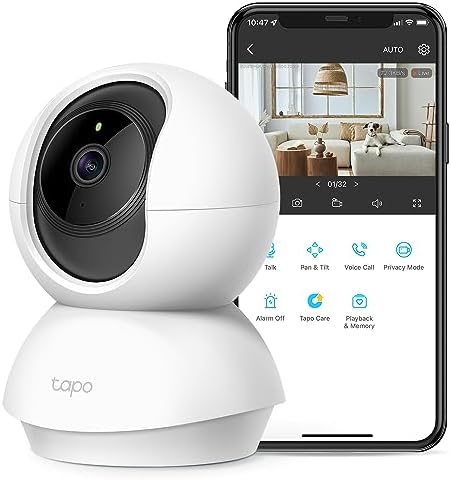
3.3 TP-Link Tapo C210 Indoor Security Camera
The TP-Link Tapo C210 carves out its place with motorized pan and tilt, letting a single camera survey an entire room rather than a fixed angle. It sits in the affordable middle of the market, pairing useful coverage with a price that suits small businesses. TP-Link leans on its networking heritage to deliver dependable Wi-Fi performance and a no-subscription storage model. For an office that wants one camera to watch a large open area or follow movement across a room, this pan-and-tilt design answers a need that fixed cameras cannot.
The camera rotates a full 360 degrees horizontally and tilts vertically, and it can automatically track detected motion to keep a moving subject in frame. It captures sharp 2K detail, switches to clear night vision after dark, and offers two-way audio for speaking through the camera. Footage saves to a local microSD card without any mandatory fee, a major draw for budget-conscious offices, and the Tapo app makes controlling the camera’s movement and reviewing clips simple. The result is broad, flexible coverage from affordable hardware.
This camera is best for offices needing wide or flexible coverage of a single large space on a modest budget. The trade-offs are that moving parts add a potential point of wear, and a panning camera can still only look one way at a time, leaving brief blind spots as it sweeps. Sites needing several fixed angles at once may prefer multiple static cameras. For covering an open-plan room affordably, though, the Tapo C210 offers reach and value that are hard to beat.
3.4 Eufy Indoor Security Camera
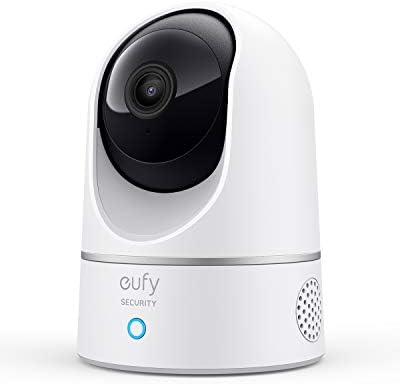
The Eufy Indoor Cam targets offices that prize privacy and want to avoid recurring fees, building its appeal around local storage and on-device processing. It sits in the value-to-mid tier of the market with a clear philosophy: your footage stays yours. Eufy markets its cameras as subscription-free by design, processing detection locally rather than routing everything through the cloud. For a workplace handling sensitive information, or simply tired of monthly charges, this privacy-first approach is a genuinely differentiating selling point.
It records sharp 2K video to local storage, with AI-driven human detection that cuts false alerts from pets or shadows, and night vision for after-hours monitoring. Because detection and storage can run locally, the camera works without a constant cloud connection and keeps recordings on site under your control. Two-way audio, quick alerts, and a straightforward app round out the package. For offices that want capable monitoring without surrendering footage to a third-party server, the combination of local storage and no mandatory subscription is compelling.
This camera is best for privacy-conscious offices and anyone determined to avoid ongoing subscription costs. The trade-offs are that keeping footage purely local means a stolen camera could take its recordings with it unless paired with a separate base, and the smart ecosystem is less expansive than the largest rivals. Businesses wanting deep third-party integrations may want more. For privacy and value, though, the Eufy Indoor Cam delivers strong, subscription-free monitoring that keeps an office’s footage firmly in its own hands.
3.5 Arlo Essential Indoor Security Camera
The Arlo Essential Indoor Camera distinguishes itself with a built-in physical privacy shutter, a feature that resonates with offices balancing security and staff privacy. It sits in the premium-leaning mid market, offering polished hardware and a thoughtful approach to when the camera is and is not watching. Arlo positions the camera around trust, letting users physically close the lens when monitoring is not wanted. For a workplace that operates during business hours and only needs surveillance when empty, that tangible on-off control is a standout reassurance.
A motorized shield physically covers the lens when the camera is disarmed, giving visible proof that recording has stopped, which no software toggle can match. The camera delivers clear 1080p video, supports dual-band Wi-Fi for a stable connection, and offers smart detection and rich features through an Arlo Secure subscription. Two-way audio, night vision, and automation that arms the camera on a schedule make it practical for an office that switches between occupied and empty states. Setup is simple and the app is well designed and reliable.
This camera is best for offices that want strong, visible privacy controls alongside capable monitoring. The trade-offs are that the most useful smart features and longer recording history require the Arlo Secure subscription, and the resolution, while clear, trails the 2K rivals on this list. Buyers chasing the sharpest possible image may look elsewhere. For its blend of a genuine privacy shutter, dependable connectivity, and a refined experience, though, the Arlo Essential Indoor is an excellent fit for privacy-aware workplaces.

4. Indoor Security Camera Comparison at a Glance
The table below distills the five reviews into the factors that most influence a buying decision: resolution, storage approach, the standout feature, and the office each camera serves best. Use it to shortlist a couple of candidates, then return to the detailed reviews for the nuances a table cannot show. The ideal indoor security camera is the one matched to your office size, your stance on subscriptions, and your privacy needs, not simply the one with the highest resolution on the box.
| Camera | Resolution | Storage | Standout Feature | Best For |
|---|---|---|---|---|
| Google Nest Cam | 1080p HDR | Cloud + free event history | On-device smart detection | Smart features |
| Wyze Cam v4 | 2.5K | microSD + optional cloud | Color night vision, low price | Budget value |
| TP-Link Tapo C210 | 2K | microSD, no subscription | 360° pan and tilt | Wide coverage |
| Eufy Indoor Cam | 2K | Local, no subscription | Privacy-first local storage | Privacy and value |
| Arlo Essential Indoor | 1080p | Cloud (Arlo Secure) | Physical privacy shutter | Privacy controls |
Cameras are one layer of protecting what you value. For watching the road as closely as you watch the office, our review of the best dash cam picks applies the same scrutiny to vehicle security, and our wider everyday gadget buyer’s guides cover more useful tech worth researching before you buy.
5. How to Set Up and Get the Best From Office Cameras
Buying a capable camera is only the first step, because placement, network strength, and privacy practice decide whether it actually protects your office. A few sensible habits during setup dramatically improve coverage and reliability while keeping you on the right side of privacy rules. Positioning cameras well, securing the Wi-Fi connection, and managing notifications and maintenance together turn a box of hardware into a dependable monitoring system. The guidance and reference table below make the process straightforward, so your indoor security camera earns its place from the first day.
5.1 Placement, Wi-Fi, and Coverage
Placement determines how useful the footage is. Mount cameras high, around seven to nine feet, angled downward to capture faces and cover a wide area while staying out of easy reach. Prioritize entry points, reception areas, and wherever valuables or cash are kept, since those are the scenes you will most want to review. Avoid pointing a camera directly at a bright window, which can silhouette subjects and ruin detail, and overlap coverage at key spots so a single blind angle never hides an incident.
Reliable Wi-Fi is the backbone of wireless monitoring. Confirm a strong signal at each camera’s location before mounting it, and add a mesh node or extender if a far corner is weak, because a dropped connection means lost footage at the worst time. Where possible, choose wired-power or PoE cameras for continuous recording rather than relying on batteries that can die unnoticed. Keeping cameras on a stable network, ideally with a dedicated or guest segment isolating them from sensitive business systems, balances dependable coverage with sound security.
5.2 Privacy, Notifications, and Maintenance
Respecting privacy is both an ethical duty and a legal one. Position cameras only in common work areas and never in restrooms, changing areas, or other private spaces, and inform staff that monitoring is in place, since transparency is often legally required and always builds trust. Audio recording carries its own consent rules in many regions, so check local regulations before enabling it. Tuning notifications matters too: activity zones and person-only alerts cut the flood of false notifications that otherwise trains people to ignore them entirely.
A little ongoing maintenance keeps the system trustworthy. Update camera firmware promptly, because patches often fix security flaws, and use strong, unique passwords with two-factor authentication on every account. Periodically check that cameras are recording, lenses are clean and unobstructed, and storage is not full or overwriting footage you need. The reference table below summarizes the setup priorities that keep an office camera system reliable, secure, and respectful of the people it watches over, day after day.
| Setup Priority | Recommendation | Why It Matters |
|---|---|---|
| Camera height and angle | 7–9 ft, tilted downward | Wide view, harder to tamper with |
| Coverage | Entries, valuables, overlap key spots | Eliminates blind spots |
| Wi-Fi strength | Strong signal or mesh node | Prevents dropped recording |
| Privacy | Common areas only, inform staff | Legal and ethical compliance |
| Security | Updates, strong password, two-factor | Protects the camera and network |
6. Frequently Asked Questions
Do I need a subscription for an indoor security camera? Not always. Cameras with microSD or local storage, such as Wyze, Tapo, and Eufy, record without a subscription, while cloud-first systems like Nest and Arlo reserve longer history and some smart features for paid plans.
Are Wi-Fi cameras secure enough for an office? They can be, with the right precautions. Use strong unique passwords, enable two-factor authentication, keep firmware updated, and pick reputable brands that encrypt footage. For sensitive sites, cameras with local storage further reduce cloud exposure.
Can one camera cover a whole office? A wide-angle or pan-and-tilt camera can cover a single room or open area, but larger offices need several cameras to eliminate blind spots around entries, corridors, and wherever valuables are kept.
Is it legal to record employees? Generally yes in common work areas with proper notice, but laws vary by region. Avoid private spaces such as restrooms, inform staff that cameras are in use, and check local rules, especially the separate consent requirements that often apply to audio.
Conclusion: Choose the Indoor Security Camera Your Office Deserves
The best indoor security camera is the one matched to your office, your budget, and your privacy priorities. The Google Nest Cam leads on smart detection and integration, the Wyze Cam v4 delivers unbeatable value, and the TP-Link Tapo C210 covers a whole room with pan and tilt. The Eufy Indoor Cam keeps footage private and subscription-free, while the Arlo Essential Indoor adds a physical privacy shutter for visible peace of mind. Resolution, storage, and data security matter far more than headline specs, because they decide how useful and how safe your monitoring truly is.
Decide how large your space is, whether you prefer local storage or cloud convenience, and how much privacy control you need, then choose the indoor security camera that answers those questions and set it up with care. A well-placed, well-secured camera turns an unattended office into one you can watch, trust, and protect from anywhere. Pick the model that fits your workplace today, and gain the quiet confidence of knowing exactly what happens behind your locked door.