
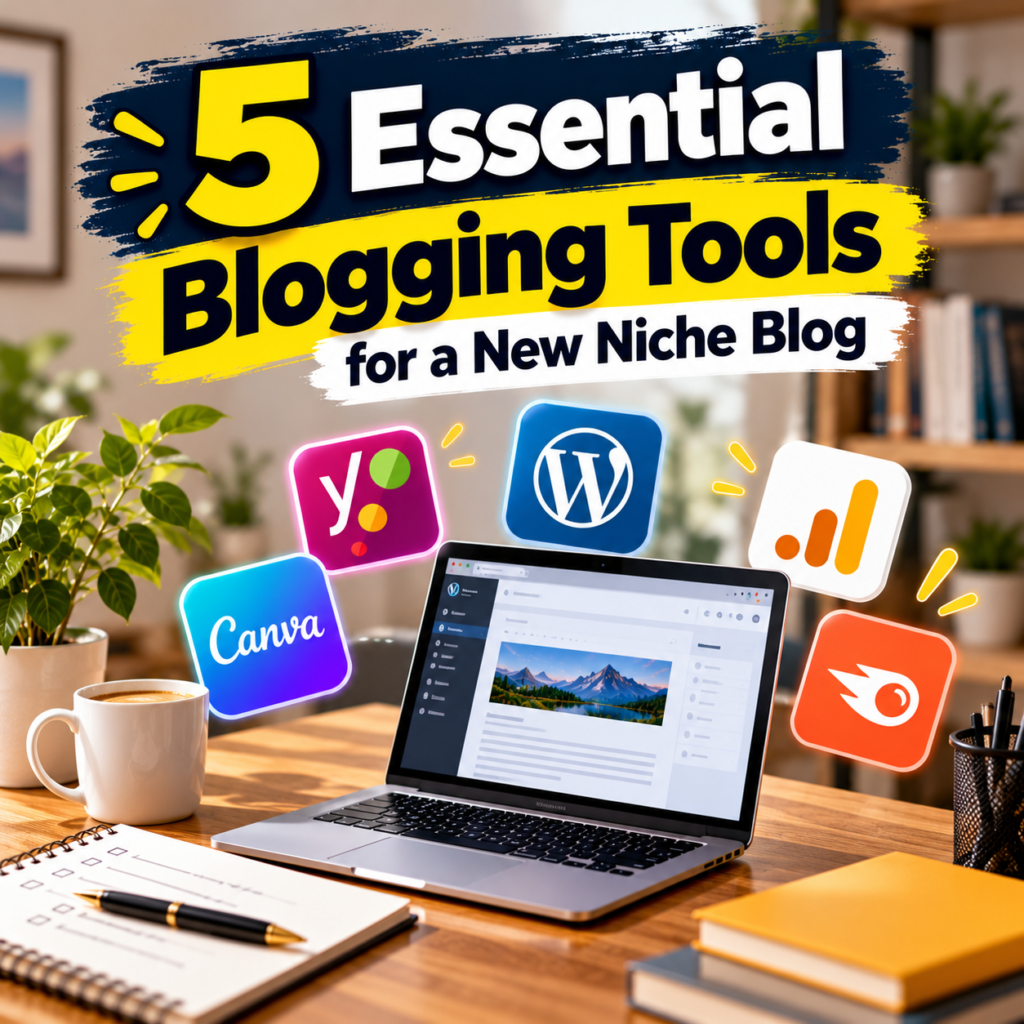
A niche blog starts with a subject, and then the practical questions arrive. Where does the site live? What do you write in? How do you know anyone found a post? Blogging tools answer those questions one job at a time. The five below cover hosting and publishing, topic research, measurement, and graphics. However, no tool picks your subject or guarantees readers. What they can do is remove a step that slows you down.
Each of the blogging tools gets the same treatment: the job it does, what it leaves to you, and what to check before paying. Prices and plan features change by country and plan. Therefore, the useful habit is the check you run before paying, because a figure you memorized may be out of date by the time you buy. One running example keeps the choices concrete: a blog about houseplants for small apartments.
What Blogging Tools Cannot Decide for You
Before you open any account, write one sentence about the reader. For example: “people who keep houseplants in apartments with little light.” That sentence is narrower than “gardening”, and it tells you which questions belong on the site. In addition, collect ten real questions from forums, shop conversations, or your own notes. Ten questions are a starting sample; they do not tell you how large the audience is. However, they give every tool a job. The research tool compares how people phrase those questions, the platform publishes the answers, and the measurement tool shows which answers were found.
Sort the questions into three to five sections a visitor would understand from the name alone. “Watering” and “Low-light plants” work; “Other” does not. As a result, you know how deep the category structure has to go, and that matters when you compare blogging tools for publishing. In addition, decide what the blog will leave out. A houseplant blog can describe common care routines. It should not present what worked in one home as advice for every climate, and it should send readers to a specialist when a plant is toxic to pets.

1. Hostinger With WordPress: Control You Maintain
Among blogging tools, self-hosted WordPress is the route that gives you the most control. You rent hosting, install WordPress, and own the site files and the database. Hostinger is one hosting option, and its WordPress installation guide describes a guided setup from the hosting panel. As a result, themes, plugins, and category structure are yours to choose. For example, the houseplant blog could nest “Low-light plants” under “Choosing a plant” without asking a platform for permission.
The trade-off is maintenance. Updates, backups, and account security become your job, or a job you pay the host to handle. Consequently, read the plan page for four things before buying: the billing period, the renewal price, the refund policy, and what the plan includes. For example, a low monthly figure can depend on a long commitment. Furthermore, confirm that you know how to restore a backup and export your content. Our web hosting guide for beginners covers those questions in more detail.
In addition, WordPress supplies the writing tool. Its Block Editor builds a post from blocks: paragraphs, headings, lists, images, and other media. In turn, you can move an image or rewrite one paragraph without reformatting the page. Draft the skeleton first: a clear title, an introduction that answers the question, headings in logical order, and a closing that returns the reader to the decision. Use heading levels for structure, and leave font size to the theme.

2. Wix Blog: One Dashboard, Flat Categories
Wix puts hosting, design, and the blog in one dashboard. As a result, it suits an owner who wants to publish quickly and would rather not manage updates. Wix’s help page on blog categories says a post can be assigned up to ten categories. However, the same page notes that subcategories are not supported. For the houseplant blog, “Watering” and “Light” work as flat categories, while a deep tree of nested sections does not.
An integrated platform reduces the number of services you run. That said, it is worth checking how you would leave. Ask what happens to the domain if you cancel, whether posts and images can be exported, and whether links survive a move. Therefore, build one test post with two categories before committing. Similarly, read what the entry plan leaves out, because a missing feature you need in every post costs more than the upgrade would have.
Wix fits when the editor matters more to you than the technical setup. In contrast, it fits less well when the blog is the first piece of a larger site you expect to restructure. In that case, look closely at the flat category model and the export path before the archive grows. Reorganizing a large archive takes far longer than choosing carefully at the start.
3. Ghost: When the Newsletter Is the Product
Among these blogging tools, Ghost fits a specific case: the newsletter is the centre of the project. Its editor can publish a post to the website, send it as an email newsletter, or do both. For instance, a weekly “plant of the week” letter with an archive on the site matches that workflow closely. In contrast, if email is an afterthought, the other two platforms cover publishing with less to learn.
A newsletter-first blog needs decisions the software cannot make. How often will you send? What does a subscriber get that a casual visitor does not? Therefore, write the first four issues before choosing a plan. In addition, check the current plan, hosting arrangement, and subscriber features on Ghost’s own pages, because those details change.

4. Google Trends and Search Console: Two Questions, Two Tools
These two blogging tools from Google answer different questions, and treating them as one leads to wrong conclusions. Google Trends compares interest in search terms or topics across a region and a period. Its values are relative. For example, the chart shows how “snake plant care” moves against “pothos care”; it does not show monthly search counts. Google Trends also separates a search term, which matches the words typed, from a topic, which groups related searches.
Use Trends to choose between phrasings and to spot seasonal interest. A flat or empty line does not prove that nobody cares, because the phrase may be new or written several ways. For that reason, record the term, region, and period you compared. Furthermore, search for the phrase and read the pages that already answer it. As a result, you learn what is missing, which no chart can show.

Search Console starts working after you publish and verify the site. Its performance report shows clicks, impressions, click-through rate, and average position, by query and by page. As a result, you can see which questions your posts appear for. However, it measures visibility and clicks in Google Search only. It does not tell you whether the reader was satisfied, and it does not predict what a title change will do.
Read the report page by page. When a page gets impressions without clicks, put its title beside the query and ask whether the title promises the answer. Similarly, when a page gets few clicks, change that page alone and note the date. In contrast, rewriting the whole site after one slow week hides which change mattered. In addition, Search Console needs time to collect data. When a new site shows an empty report, confirm that the site is verified before you judge the content.
5. Canva: Graphics That Explain One Point
Canva is the one among these blogging tools that handles graphics. It offers editable templates for blog graphics, and some are free. A template saves time when there is no designer. However, it does not decide what the image should explain. Decide the job first: a tool, a step, or a comparison. For example, a diagram of where to cut a pothos stem explains one point, and the text carries the rest.

Three Stacks Built From These Blogging Tools
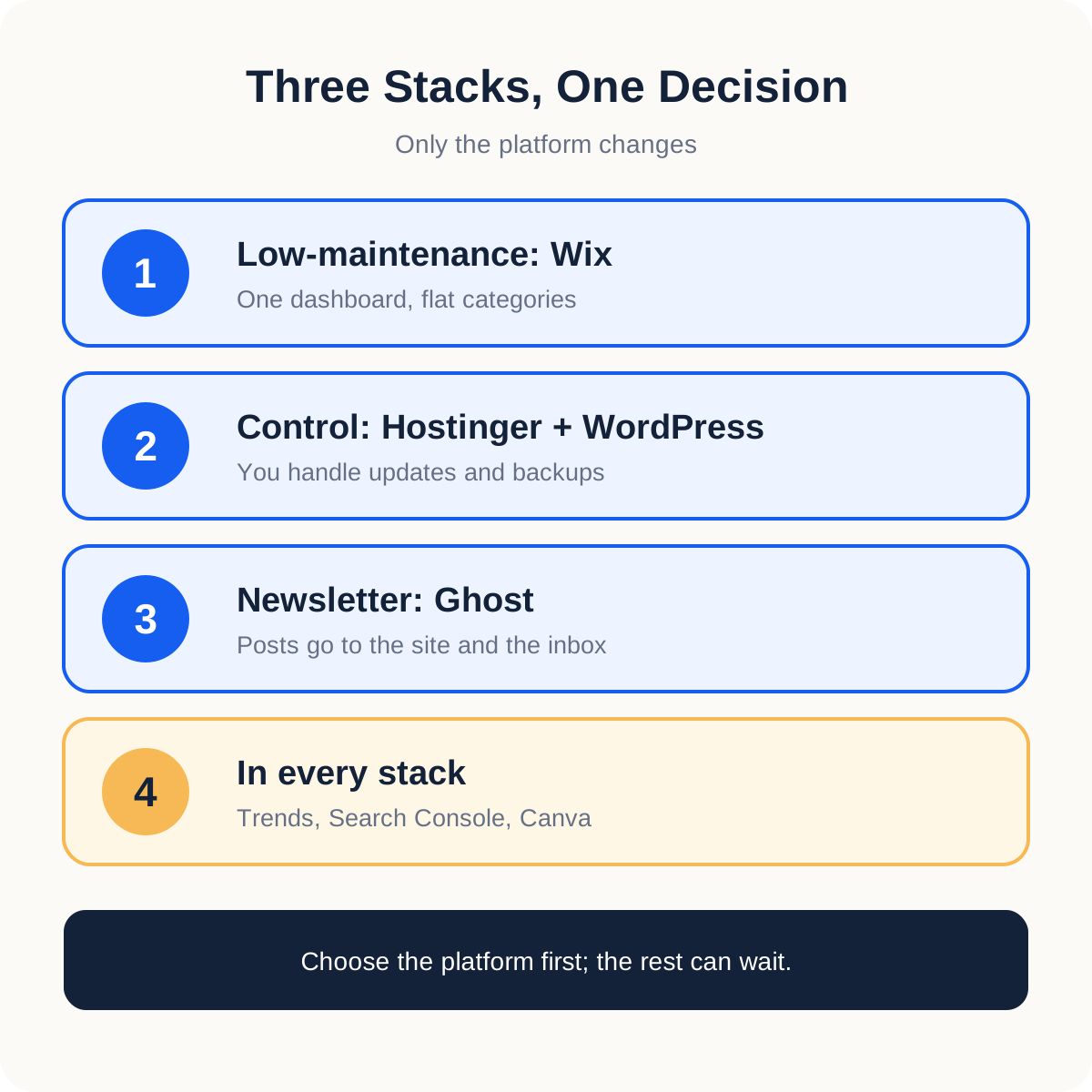
The five choices combine into three practical stacks. First, the low-maintenance stack is Wix for the site and blog, Trends for topic comparison, Search Console for measurement, and Canva for graphics. It suits someone who wants to start writing straight away. In contrast, the control stack swaps Wix for Hostinger with WordPress and its Block Editor, and the other three tools stay. It suits someone willing to learn backups and updates.
The newsletter stack puts Ghost in the platform slot. The research, measurement, and graphics tools remain the same. Therefore, the real decision in every stack is the platform; the other blogging tools are easy to add and easy to change. Do not run two platforms for the same job unless you have a concrete reason, because drafts split across two systems are hard to keep in step.
Blogging Tools Compared in One Table
The table puts the five blogging tools side by side. Read it by row, because each row answers a different job and no row outranks another. In fact, if two rows seem to fit, the last column is where the decision is made.
| Choice | Best fit | Check first |
|---|---|---|
| Hostinger with WordPress | Control over themes, plugins, and structure | Renewal price, backup recovery, and export |
| Wix Blog | One dashboard and flat categories | Category limits, link portability, and plan features |
| Ghost | Website publishing tied to a newsletter | Current plans, hosting, and subscriber workflow |
| Google Trends and Search Console | Topic comparison and observed search reporting | Relative values and verified site access |
| Canva | Templates for supporting graphics | Image clarity and text that stays readable on a phone |
How to Test Blogging Tools Before You Pay
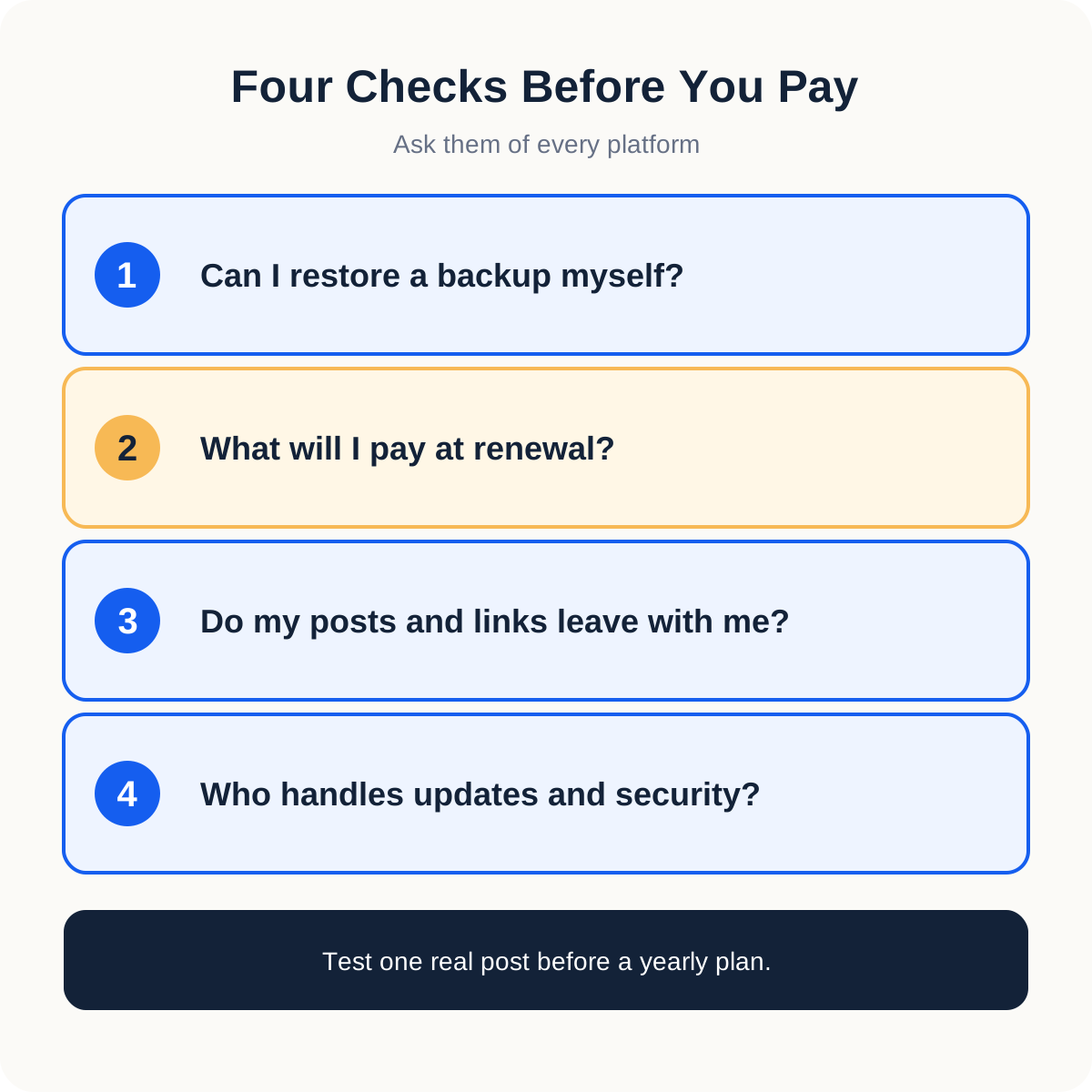
Test blogging tools with one small workflow from start to finish before paying for a year. For example, create a draft with two headings and an image, preview it on a phone, publish it, and then undo one edit. Moreover, note how long each step took and where you needed help. As a result, you compare platforms on your own work and not on a feature list.
- Can I restore a backup myself, and how often is one taken?
- What will I pay at renewal, and does it differ from the first invoice?
- Do my posts, images, and links leave with me if I move?
- Who applies updates and handles security: me or the provider?
Then write a short record for each of the blogging tools you keep: the problem it solves, the free alternative, the renewal date, and the sign that would justify an upgrade. For example: “Canva: article images; free account; upgrade if the same layout is needed every week and the free plan blocks it.” In addition, set a reminder a week before any renewal. Our WordPress theme guide helps if layout is the step that slows you down.
Mistakes With Blogging Tools That Waste a First Month
The first mistake with blogging tools is buying one because well-known blogs use it. Those blogs have a team and an archive. In contrast, a new blog has three posts. The second is opening every account on day one. A subscription that solves no problem yet is only a renewal date to remember. Therefore, write the problem first, look for a free option, and pay when the problem repeats.
The third mistake is reading Trends as traffic. A rising line is relative interest; it promises no visits. Similarly, an empty Search Console report in week one is common and says little about quality. The fourth mistake is filing one post under five categories so that it appears everywhere, which drains the categories of meaning. The fifth is postponing backups until the first failure. Consequently, restore one backup on a test page during the first month, while nothing depends on it.
Conclusion: Start With the Blogging Tool That Removes a Real Block
These five blogging tools cover four jobs: a place to publish, a way to compare topics, a way to measure visibility, and a way to make graphics. In fact, only the platform costs money at the start, and only the platform is hard to change later. Therefore, spend your comparison time there.
Write the reader sentence, list ten questions, and test one platform with one real post. After that, add the other blogging tools as each job appears. A small stack you use every week is worth more than a full one you maintain for its own sake.